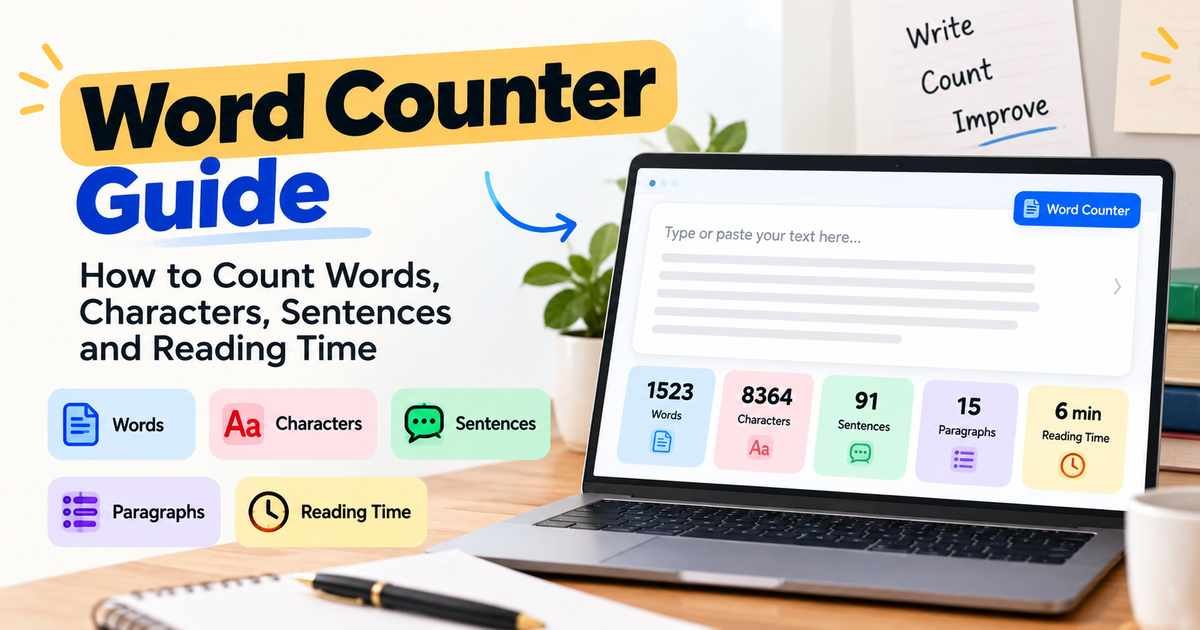
You have written an essay that must be 800 words, or a blog post that should be about 1,500. Counting by hand would take forever, and your word processor may not be handy. A word counter gives you the answer the moment you paste your text.
This guide explains what a word counter is, how it works and what counts as a word. You will also learn how word counts apply to essays, blog posts and SEO content, and how reading time is worked out. Try it as you read with the free Word Counter on RandomsDex.
What Is a Word Counter?
A word counter is a tool that counts the words in a piece of text. Most also show other numbers at the same time, such as:
- Total words
- Characters (with and without spaces)
- Sentences
- Paragraphs
- Estimated reading time
People search for it in many ways: word counter online, online word counter, word count checker, or “count words online.” All of these describe the same idea. You paste or type text, and you get numbers back.
How Do Word Counters Work?
The basic method is simple. The tool looks at your text and splits it wherever it finds a space or a line break. Each separate chunk is counted as one word.
Example: “The quick brown fox jumps.”
The tool finds four spaces, which splits the text into 5 words.
Counting characters is even easier. The tool counts every letter, number, space and symbol. Sentences are usually counted by looking for end marks such as a full stop, question mark or exclamation mark.
Because tools follow slightly different rules, counts can vary by a few words between programs. That is normal.
What Counts as a Word?
This sounds like an easy question, but there are tricky cases.
| Text | Usually counted as |
|---|---|
| well-known | 1 word |
| don’t | 1 word |
| 2026 | 1 word |
| 3,500 | 1 word |
| 1 word | |
| New York | 2 words |
| and/or | 1 word (no spaces) |
| Dr. Smith | 2 words |
| a – b (dash with spaces) | May count the dash as a word |
A few simple rules apply to most tools:
- Numbers usually count as words.
- Hyphenated words are usually one word because there are no spaces.
- Contractions such as “don’t” are one word.
- Standalone symbols such as “&” or “–” may be counted by some tools and ignored by others.
If you must meet an exact count for school, work or a competition, ask which tool or program is used for the official count. Then check your text with the same one.
Words vs Characters
Words and characters measure different things.
- A word is a group of letters or numbers separated by spaces.
- A character is any single item in the text: a letter, number, space, punctuation mark or symbol.
Example: “Hello, world!”
- Words: 2
- Characters with spaces: 13
- Characters without spaces: 12
Use words when a limit is about the length of writing, such as an essay. Use characters when a limit is about space, such as a social media post or a form field.
Our Character Counter Guide covers character limits in detail, including social media and SEO meta tags.
Using a Word Counter for Essays
Most school and university essays have a word limit or a target. A word counter helps you stay on track.
A few points to keep in mind:
- Check what is included. Many courses exclude the title, reference list and appendices from the word count. Others include everything. Read the assignment rules.
- Allow a margin. Some instructors allow about 10% over or under the target. Do not assume this, so confirm it.
- Watch quotes and footnotes. Some courses count them, others do not.
- Check at the end. Count again after editing, as small changes add up.
If you are over the limit, cut filler first: repeated points, long introductions and unnecessary “very” and “really.”
Word Count for Blog Posts
Many bloggers ask, “How long should a blog post be?” The answer is: as long as it needs to be to cover the topic well.
Google is clear about this. In its guidance on helpful content, Google says it has no preferred word count. Longer content does not rank better just because it is longer.
So use word count as a rough planning guide, not a goal in itself:
- A simple how-to question may be answered well in 600 to 900 words.
- A detailed guide that covers many related questions may need 1,800 words or more.
Check what readers need, then write enough to answer it fully.
Do not pad your text just to reach a number.
A word counter is helpful here for checking whether a draft is far too short to be useful, or so long that it needs trimming.
Word Counter for SEO Content
SEO writers often use a word counter to plan and check content. It can help you:
- Compare your length with other pages that answer the same question (as a rough guide only).
- Keep headings, introductions and sections balanced.
- Check meta titles and descriptions. For those, you will want a character count instead, so see our Character Counter Guide.
- Estimate how long a page takes to read.
Remember that word count by itself is not a ranking factor you can control. Useful, accurate and clear writing matters more.
How Is Reading Time Calculated?
Reading time is an estimate. It divides your word count by an average reading speed.
Reading Time = Word Count ÷ Words Per Minute
Many tools assume a speed between 200 and 250 words per minute. A well-known 2019 review of reading research found that adults read non-fiction silently at about 238 words per minute on average.
Example: A 1,500-Word Article
At 238 words per minute:
1,500 ÷ 238 ≈ 6.3 minutes
So the estimated reading time is about 6 minutes.
At 200 words per minute:
1,500 ÷ 200 = 7.5 minutes
Reading time changes with the reader, the topic and how difficult the text is. Treat it as a guide.
Speaking is slower than reading. If you are timing a speech, many people speak at roughly 130 to 150 words per minute, so a 5-minute talk is about 650 to 750 words.
Sentence and Paragraph Counts
Some word counters also show sentence and paragraph counts. These are useful for checking readability.
Example: A 600-word text with 40 sentences.
600 ÷ 40 = 15 words per sentence on average.
Short sentences, around 15 to 20 words on average, are easier for most readers. If your average is much higher, look for long sentences to split.
Sentence counters can be fooled by abbreviations such as “Dr.” or “e.g.,” which contain full stops. Treat the number as a good guess, not a precise figure.
Common Mistakes When Counting Words
- Counting the wrong part of the document. Select only the text you need, such as the body without references.
- Trusting one tool for an official limit. Use the counter your school, client or publisher uses.
- Padding to hit a number. Extra filler makes writing worse.
- Forgetting hidden text. Headers, footers and footnotes may or may not count.
- Mixing up words and characters. Check which limit applies.
- Counting before the final edit. Edits change the total.
How to Use the RandomsDex Word Counter
The RandomsDex Word Counter is a free tool that works in your browser.
Here’s how to use it:
- Paste or type your text into the box.
- Read the word count and any other numbers the tool shows, such as characters or reading time.
- Edit your text and watch the numbers change as you work.
If you need a character count for a title, meta description or social post, see the Character Counter Guide.
You can find similar tools in the Text Tools category.
Tips to Trim or Expand Your Text
A word count is only useful if you act on it. Here is how.
If You Are Over the Word Limit
- Cut filler words such as “very,” “really,” “just” and “in order to.”
- Remove sentences that repeat a point you have already made.
- Shorten long introductions. Get to the answer sooner.
- Replace wordy phrases with one word. For example, “due to the fact that” becomes “because.”
If You Are Under the Word Limit
- Add a short example for your main point.
- Explain a term that a new reader may not know.
- Answer one more question the reader is likely to have.
Check the count again after each round of edits.
Frequently Asked Questions (FAQs)
How Does an Online Word Counter Work?
It splits your text at spaces and line breaks, then counts each separate chunk as one word. Most tools also count characters, sentences and paragraphs.
Do Numbers and Symbols Count as Words?
Numbers usually count as words. A symbol standing alone with spaces around it may or may not be counted, depending on the tool.
Are Hyphenated Words One Word or Two?
Most word counters treat hyphenated words as one word because there are no spaces inside them. Some style guides count them differently.
How Many Words Are on One Page?
It depends on font size, spacing and margins. A rough rule is about 250 to 300 words for a double-spaced page and 500 or more for a single-spaced page. Use your document’s own count for accuracy.
How Long Should a Blog Post Be?
Write as much as the topic needs. Google has said it does not have a preferred word count, so focus on answering the reader’s question fully.
How Do I Work Out Reading Time?
Divide the word count by an average reading speed, such as 200 to 250 words per minute. A 1,000-word text takes about 4 to 5 minutes.
Does a Word Counter Check Spelling or Grammar?
No. A word counter only measures the text. Use a spell checker or an editor to review spelling and grammar.
Conclusion
A word counter is a small tool that saves a lot of time. It keeps essays within limits, helps plan blog posts and gives a quick reading-time estimate. Use it as a guide, and let the needs of the reader decide the final length.
Ready to count? Try the free RandomsDex Word Counter.



Comments